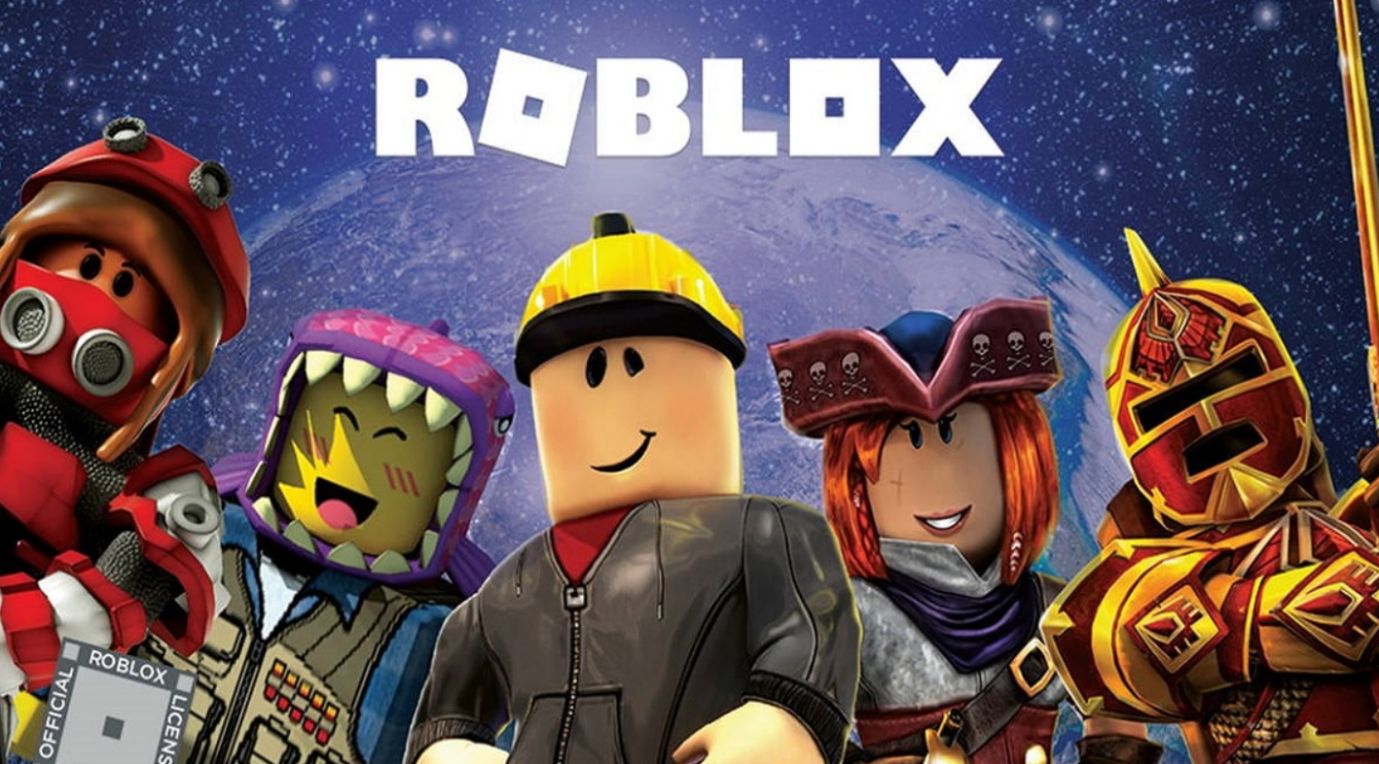
Roblox offers a wonderful environment to realize your creative ideas. This tutorial aims to provide the essential knowledge required for embarking on your game development path in Roblox.

Before you read the rest of the article, lemme let you in on some pretty killer Robux deals going on right now; buy Robux cheap at U7BUY!
Roblox Studio
Starting your Roblox development journey begins with Roblox Studio. This accessible software offers an intuitive interface equipped with numerous tools to help you build your game environment. Let’s quickly explore what it can do:
- Terrain Editor: Shape the landscape of your game – design mountains, valleys, seas, or whatever your imagination conceives.
- Building Blocks: Roblox offers a broad range of pre-made building items, including simple shapes like bricks and spheres, to more complex objects such as furniture and trees. These elements serve as the foundational pieces for crafting different elements in your game, whether it be buildings or vehicles.
- Scripting: Creating basic Roblox games doesn’t necessarily require scripting, but using Lua can help you add more interactivity and complexity to your game world. For instance, you can create puzzles with secret triggers, implement scoring systems, or even program enemy AI.
Creating your first game
Here’s a basic outline to help you begin creating your first Roblox game:
- Conceptualize Your Game: The first step is brainstorming! What kind of game do you envision? A race track? An obstacle course? A role-playing adventure? Define the core gameplay loop – what actions will players perform repeatedly to achieve the objective?
- Design Your World: Fire up Roblox Studio and utilize the terrain editor to craft the landscape for your game. Gather a variety of building materials to craft structures, obstacles, or decorations that suit your selected theme.
- Set the Stage: Roblox provides options for customizing different elements of your game environment, such as lighting, sound effects, and background music. Experiment with these settings to create the right mood and an engaging atmosphere.
- Testing and Refinement: After constructing your basic world, it’s essential to put it to the test! Press the play button and dive into your creation. Look for areas that need improvement – is the terrain difficult to navigate? Are the obstacles either too easy or overly challenging? This testing phase is vital for fine-tuning your game and ensuring an enjoyable and engaging experience for the players.
The advanced techniques
As you become more confident in your construction abilities, think about exploring the world of scripting. Learning Roblox’s Lua scripting language opens many new possibilities. You could create custom power-ups, design interactive objects, or even code simple enemy AI. There are numerous online tutorials and resources available to teach you the basics of Roblox scripting.
Roblox also offers advanced features for experienced creators. These include particle effects for adding visual flair, custom animations for bringing your world to life, and even physics simulations for creating realistic object interactions. While these elements require a deeper understanding of the platform, they empower you to design increasingly complex and captivating games.
And *winks* you may also hire on-site devs to work on your game, some of these developers accept robux as their payment. To fund these developers, U7BUY has robux gift cards https://www.u7buy.com/roblox/robux-gift-cards for you to give away!