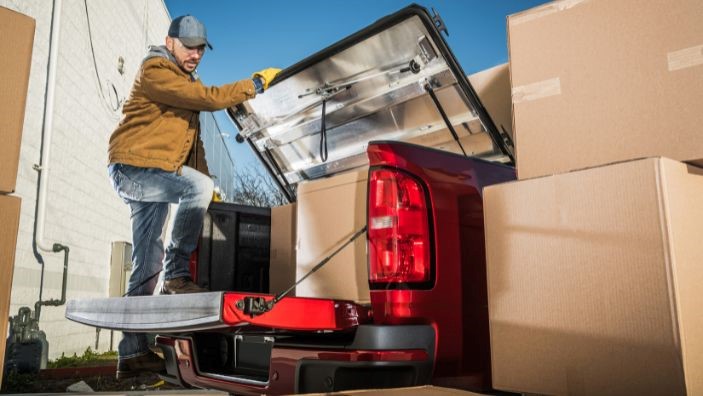
Are you going on a road trip, moving to a new home, or transporting tools for work? You will have to pack your truck so you can haul your load safely. Keeping your goods secure is important for your safety and the safety of others on the road. Learn to secure your cargo in a pickup truck!
Obtain the Right Equipment
First, you will need to purchase securement equipment for your truck. Typically, this includes heavy-duty anchor points and ratchet straps with a high-rated capacity. The capacity of your straps should equal one and a half weight of your cargo. Additionally, some trucks have built-in anchors at the bottom of the truck bed, so double-check yours before buying anchors.
Know Your Truck’s Payload Capacity
Payload capacity is the total weight a truck can safely carry, including passengers, equipment, and cargo. The payload capacity is typically listed on the inside of the driver’s side door but can also be found online. If you only know the Gross Vehicle Weight Rating (GVWR), subtract that number from your truck’s curb weight to get its payload capacity!
Place Heaviest Items Near the Cabin
Placing heavy items near the cabin, or “cab,” will prevent backloading and help your truck stay steady. Do your best to evenly distribute the weight of your cargo on both sides of the truck bed, especially when dealing with heavy equipment.
Install a Roll Bar
Most truck owners know that roll bars improve passenger safety and make their vehicles look cool. They can also be beneficial when you’re transporting cargo. In this instance, the purpose of a roll bar is to attach cargo netting or other structural tools to keep your load safe in transit. This adds protection in case of any issues with the ratchet straps.
Now that you’ve learned how to secure your cargo in a pickup truck, you are ready to pack up and hit the road. Remember, safety is of the utmost importance, so don’t skip a single step!